Zombie Couple Video — AI Generator
Turn two photos into a zombie-apocalypse love story. Make-up, fog, the tragic hands-reaching moment and a match cut to the memory before it all — one tap per beat, your track on top.
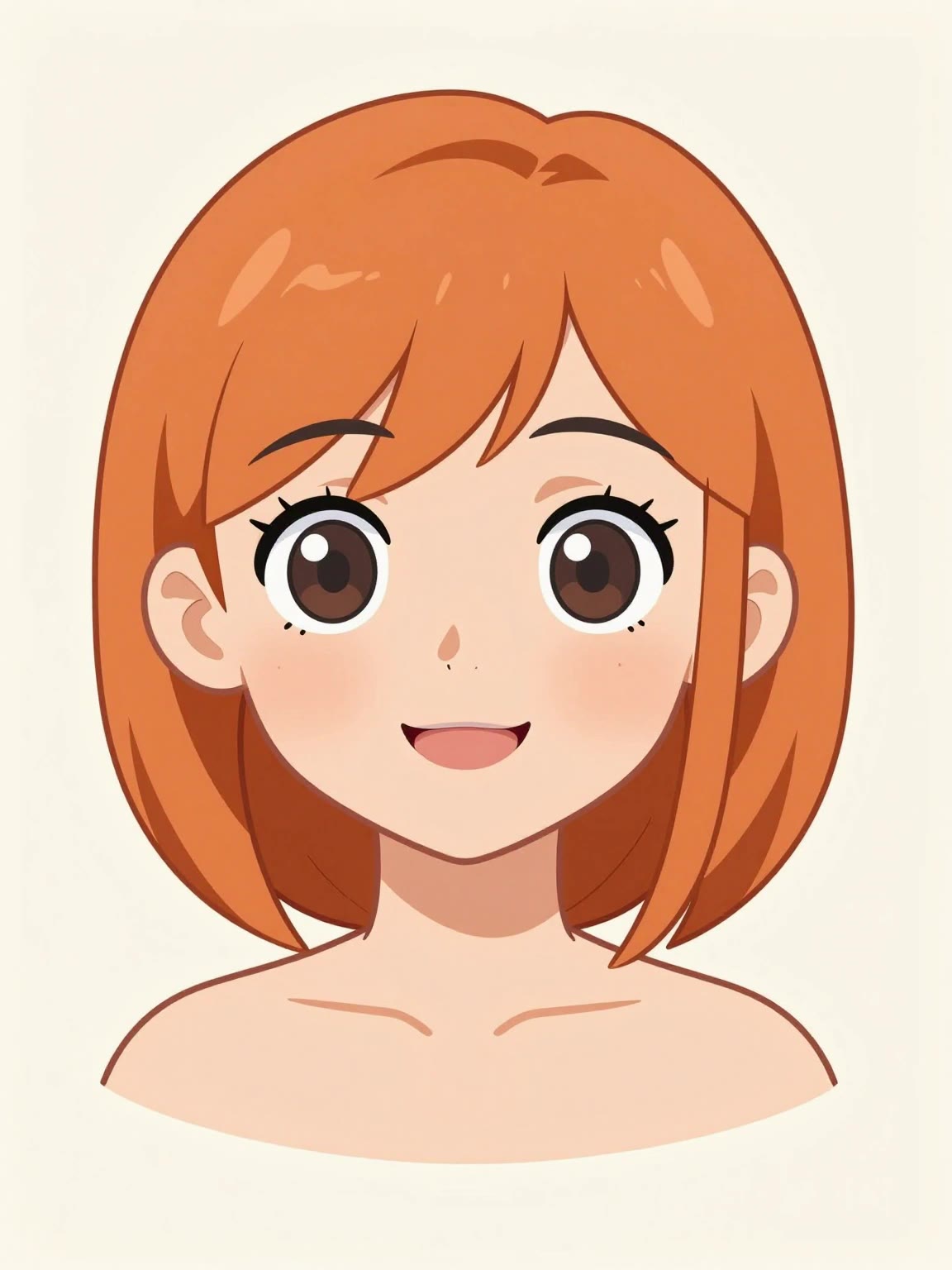
Input — one character photo
original AI-generated character (yours works the same)
Output — Kling 2.6, Halloween make-up beat
Made with img2video.pro, a real generation from the templates below
Pick a starter
What is the zombie couple video trend?
Every October, Halloween content floods short-form feeds — and in 2026 the breakout AI format is the "zombie couple" (also called the Zombie AI Love Story): two reference photos become a 10–15 second vertical clip staging a tiny apocalypse romance. The beat structure is consistent — the infected partner staggers into frame in full zombie make-up, the survivor hesitates, hands reach out anyway, and a match cut lands the emotional punch: the same two people, alive and golden-lit, before it all began.
Part of why it spreads is that the format is entirely promptable: fog, pale make-up, torn clothes, horror lighting and slow motion are words, not wardrobe. Dedicated zombie-effect apps appeared for the 2026 season, but a general image-to-video generator gives you control over every beat — and works for the pet version, the best-friend version, and the solo-survivor version too.
How the two-photo workflow goes
Generate each beat as its own clip, then edit: upload the "infected" partner's photo with the reveal template; upload the second photo (or the same couple shot) for the hands-in-the-ruins beat; generate the sunlit memory as the third clip. Join the last two with a match cut in CapCut or TikTok's editor — match the hand positions between clips and the transition hits — then drop your track on top. Three clips at 20+ credits each — a single $9.90 starter pack (120 credits) covers them.
Tips for the spooky-film look
- Keep "pale zombie make-up, cloudy eyes, fog, horror movie lighting" in the prompt — that phrase stack builds the entire look.
- Faces reasonably large and front-facing in both photos; the make-up effect reads much better on a clear face.
- Slow, staggering motion sells zombie; fast movement breaks the spell.
- Generate the "before" memory from the same photo you used for the apocalypse beat — the match cut only lands if it's recognizably the same people.
- Audio on Kling 2.6 adds wind and shuffling footsteps that complete the atmosphere.
Photos, make-up & fair play — read this first
img2video.pro generates original footage of the people in the photos YOU upload — use your own photos or photos you have clear permission for. Putting strangers or celebrities into zombie videos without consent is a deepfake and is blocked automatically by our Acceptable Use Policy. Our templates describe costume make-up and atmosphere only — we never generate blood or gore, and we don't provide the music: add your track through your platform's licensed library.
Zombie couple video FAQ
What is the zombie couple AI video?
It is a 2026 Halloween-season short-form format: you upload photos of two people (usually a couple, or you and a friend), and an AI video generator turns them into a miniature zombie-apocalypse love story — one partner staggers forward in zombie make-up, the moment of hesitation, hands reaching out, then a match cut to a warm memory from before it all. 10–15 seconds, vertical, built for TikTok and Reels.
How do I make a zombie couple video from my photos?
Upload one photo per person to the generator on this page, tap a trend template (it carries the whole horror-film look), and generate — new accounts get transparent pay-per-use pricing. Generate the "before" and "after" beats as two clips, then join them with a match cut in CapCut and add your track.
Is the zombie couple video bloody or gory?
No. Our templates use costume make-up wording — pale skin, cloudy eyes, torn clothes, fog and moody lighting — never blood or gore. Violent and gory content is blocked by our content filters, so the trend stays at "spooky costume film" level, safe for social feeds.
Which AI video model works best for the zombie look?
Kling 2.6 follows the multi-part horror scene prompts most faithfully and can add ambient audio; Veo 3.1 gives the most cinematic render (up to 4K) for the final cut; Grok Imagine is the cheapest for testing poses and angles first.
Can I use photos of any couple?
Only photos you have the rights to — you and your partner, or people who agreed to it. Uploading strangers' or celebrities' photos to put them in AI videos is a deepfake red line and is blocked automatically by our Acceptable Use Policy.
Is it free to try?
Every new account gets transparent pay-per-use pricing from your first clip — packs from $5.90. Spooky-scene clips start at 20 credits.
Model capabilities verified against the official source: Kling 2.6 (fal.ai). Halloween-season format, October 2026. Last reviewed October 2026.